Hosting a dinner party
Plan a dinner party as one meal with courses, prep what you can the day before, and make the meal part of the event by cooking it together with your guests.
Hosting a dinner party is hard but rewarding work. However, with the little time we have to ourselves these days, orchestrating an extravagant meal feels out of reach. Mise en Party solves this in two ways. First, it minimizes the time it takes to make the meal, so you have more time to enjoy the fruits of your labor with friends and family. And second, Mise en Party makes the meal part of the event! Having a few friends over for dinner? With Mise en Party, the meal is done faster when everyone helps cook.
Fewer people host at home
In this day and age, it already feels like we are rushing from one activity to the next, making the act of hosting a large gathering feel overwhelming.

The share of Americans who host friends or family at home at least once a month fell from 42% in 1975 to 12% in 2026, and the share who entertained anyone at home in the past year fell from 88% in 1995 to 67% (Data for Progress, September 2026, replicating the DDB Needham Life Style survey; reported by Derek Thompson). Time spent attending or hosting a social event fell by half between 2003 and 2024 (American Time Use Survey, via Thompson).
How to plan a dinner party
-
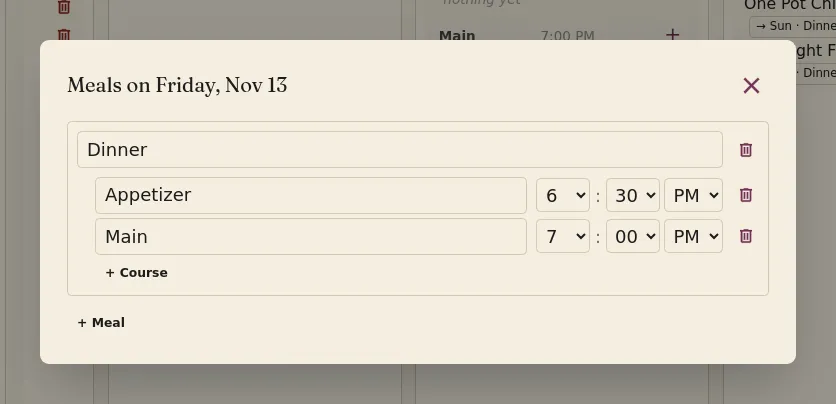
On the Mise en Party home page, use the button on a day card to add and time the different courses for your party, such as appetizers, a main course or two, and dessert to finish the night. Mise en Party will automatically schedule each dish to be done by its course's serve time, while sharing prep between the courses.
-
When adding recipes to a course, use the Configure pop-up to set the number of servings and any substitute ingredients for each dish; you can change the servings later in the Making box on its recipe card. Any sub-recipes the dish uses are scaled to match.
-
Any prep work that can be done in advance is made ahead that morning or days before, easing the burden of the event itself.
-
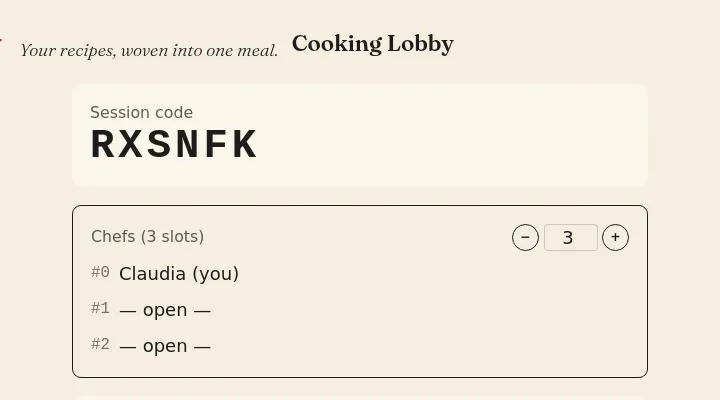
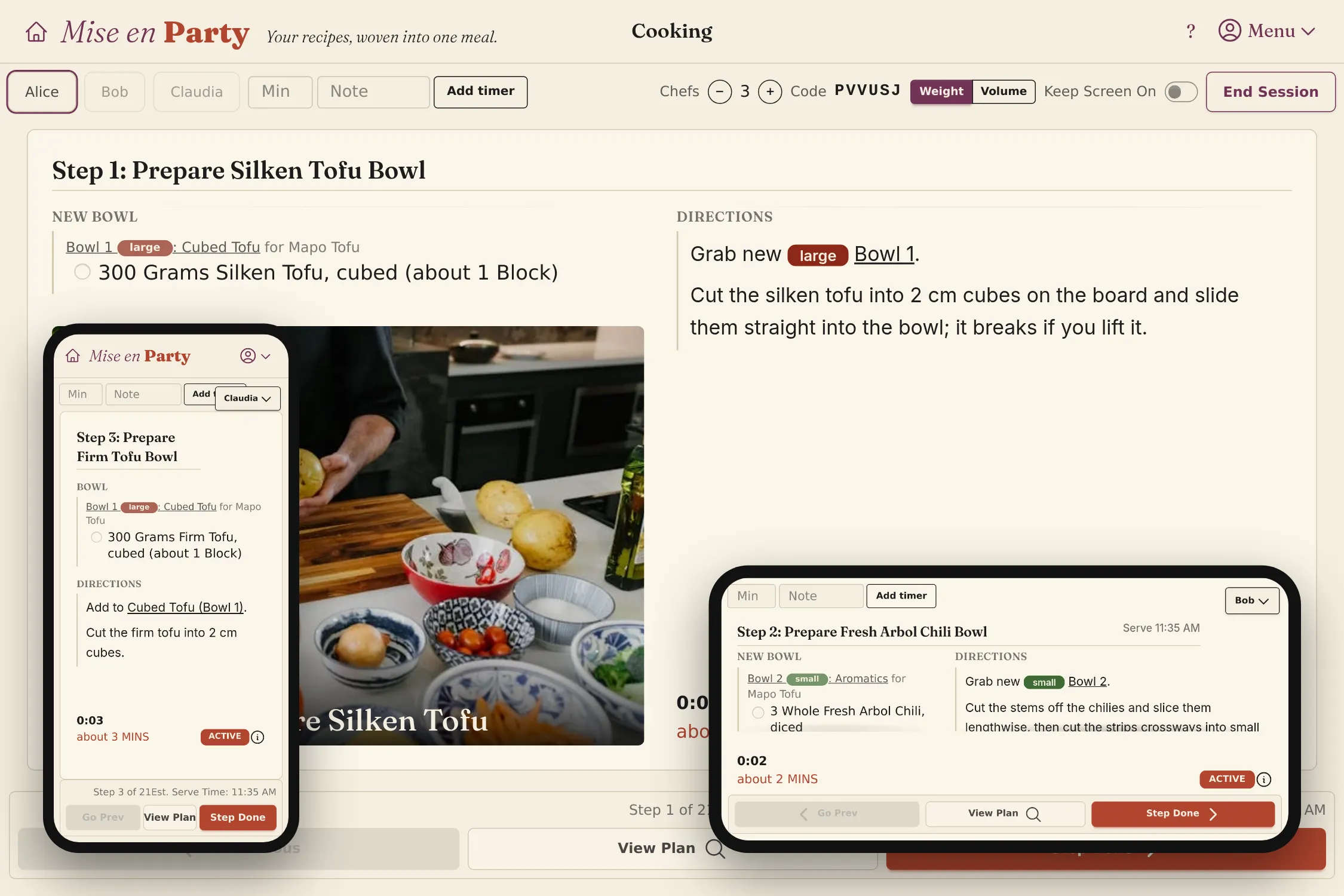
On the day of the party, click Start Cooking on the meal page and have your guests join the cooking session with its code. By joining, they'll be assigned steps that progress the meal along automatically, so you don't need to manage them.
Questions
What if a guest arrives late? To add a chef to a session already under way, change Chefs on your cooking page (it's in the menu on a phone). The session moves to a new lobby with a new code, keeping the steps already done; have the guest join with that code, then click Resume. Lowering Chefs works the same way when someone has to leave.
Can I plan a party for twenty? Certainly, but unless you own a professionally sized kitchen, you're probably not going to be able to cook with 20 people at once. I recommend 4 max. Most meals don't benefit from more than that.
Does a buffet count as one meal? A meal is whatever you deem it to be. If you want a buffet-style dinner, plan everything for a single serve time and set it out for everyone to enjoy.